Executing Process Group

The set of processes used to carry out the work defined in the project management plan so the project requirements are met.

Key Points

  • Focuses on doing the planned work and producing approved deliverables.
  • Includes directing and managing project work, managing quality, and acquiring, developing, and managing resources.
  • Implements risk responses, manages communications and stakeholder engagement, and conducts procurements.
  • Generates work performance data and change requests that feed Monitoring and Controlling.

Example

A software team follows the project management plan to build features for Release 1. The PM assigns tasks, onboards new developers, coordinates with vendors, executes risk responses for a critical dependency, and issues status communications to stakeholders while producing tested increments.

PMP Example Question

During development, the project manager is coordinating people and vendors, implementing risk responses, managing communications, and producing deliverables as planned. Which process group best describes these activities?

  1. Initiating
  2. Planning
  3. Executing
  4. Monitoring and Controlling

Correct Answer: C - Executing

Explanation: These actions involve carrying out the work in the project management plan, which is the focus of the Executing Process Group.
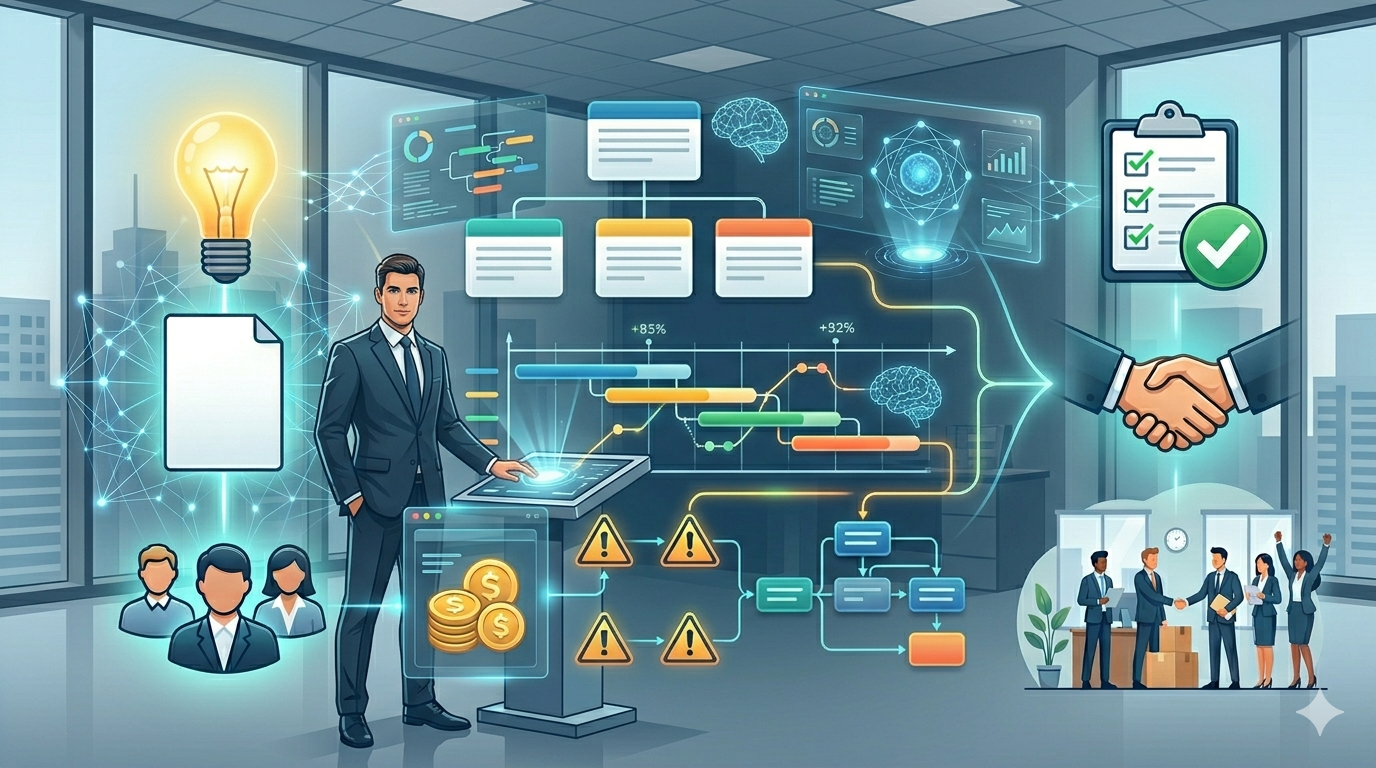
AI for Project Managers — Build Plans Faster, Lead Better

Turn messy inputs into structured project plans in minutes. If you are a project manager tired of spending hours on documentation, this course shows you how to use AI to work faster while staying fully in control.

This is not a generic AI course. You will learn how to use AI as a practical co-pilot to build real project artifacts—charters, WBS, schedules, risk registers, and executive reports—using structured, reliable prompt frameworks.

You will also learn how to keep your project aligned across scope, schedule, cost, and risk, and how to interpret performance data like Earned Value Management to support better decisions and communication.

Everything is designed for immediate use. You get ready-to-use prompt templates and workflows you can apply right away in your projects. Watch the video to see how it works and start building your first AI-supported project plan.


Build complete project plans in minutes with AI

Stop spending hours on documentation. Learn how to use AI to create charters, WBS, schedules, risk registers, and executive reports faster—while staying fully in control. This course gives you ready-to-use prompt templates and practical workflows based on real project work. No guesswork, no fluff—just tools you can apply immediately. Backed by Udemy’s 30-day money-back guarantee, so you can start risk-free.

Learn More